
If you cannot connect to the VPN
① Confirming Outage/Maintenance Information
First, please check the following page to see if any outages or maintenance are occurring.
▼Outage and Maintenance Information
https://support.millenvpn.jp/service-status
(2) Identification of connection method and troubleshooting
If you are unable to connect to the VPN, the troubleshooting method depends on the connection method you are using.
Please refer to the table below to identify the current connection method, and check and try the solutions from the links listed in "If you cannot connect (Troubleshooting)".
*Tap (click) on each image to enlarge it.
iOS
| MillenVPN App | MillenVPN Native | OpenConnect | |
| App Icon |  | There is no dedicated application. Configure the settings in the phone > "General" > "VPN and Device Management". |  |
| home screen | 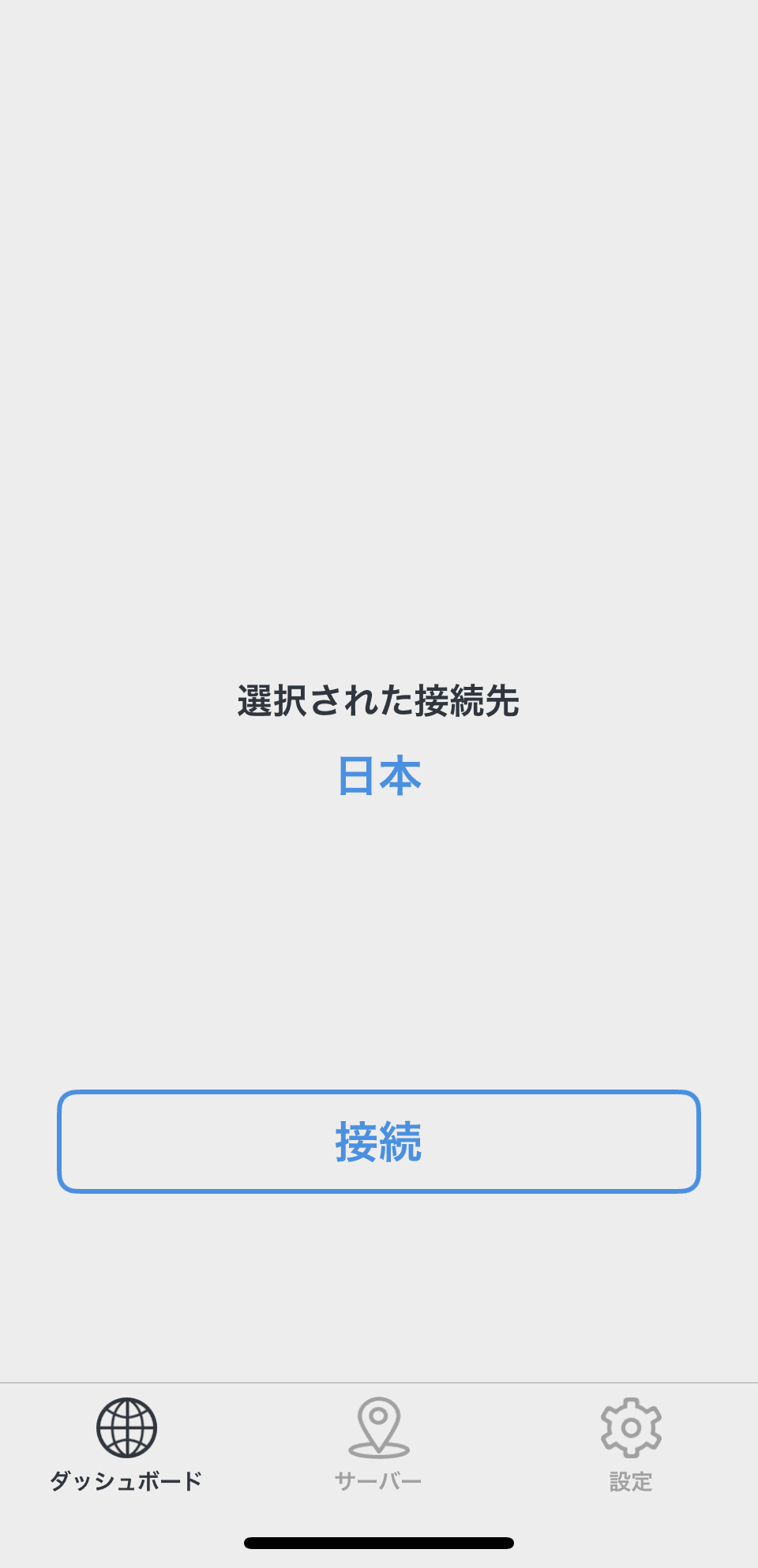 | 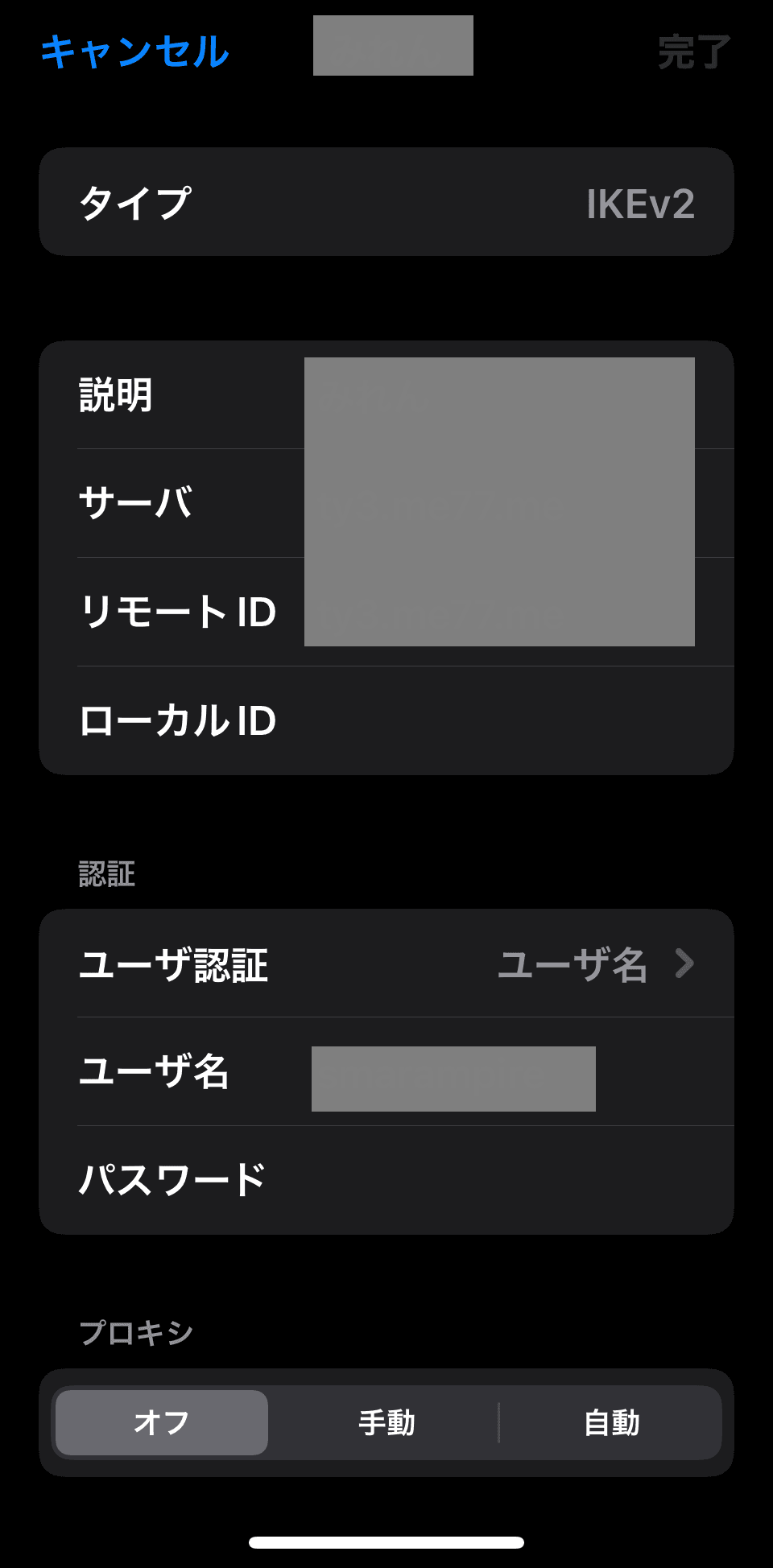 | 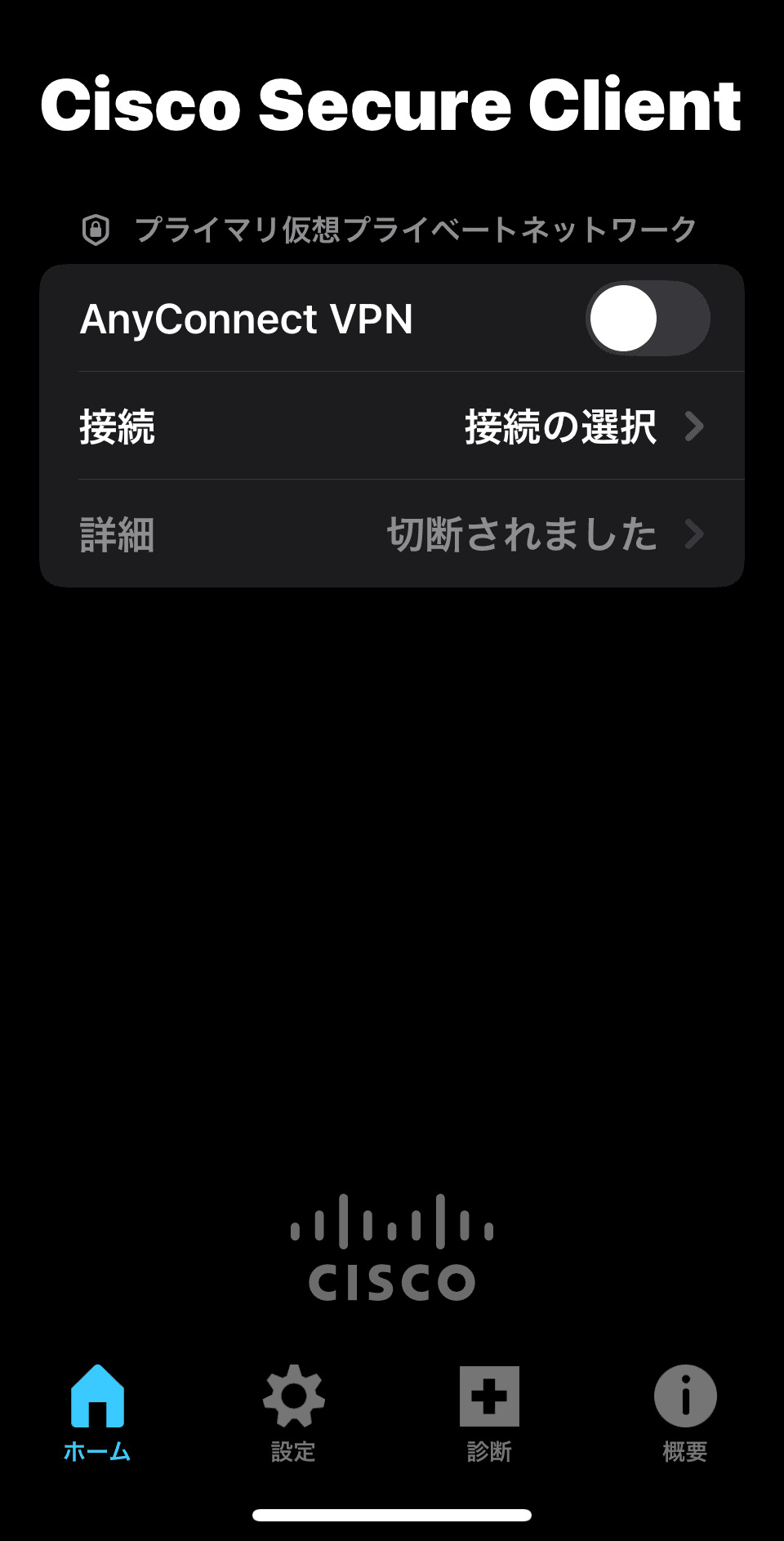 |
| If you cannot connect (Troubleshooting) | If you cannot connect to the applicationHere | If you cannot connect to MillenVPN NativeHere | If you cannot connect to OpenConnectHere |
Android
| MillenVPN App | MillenVPN Native | OpenConnect | |
| App Icon |  |  |  |
| home screen | 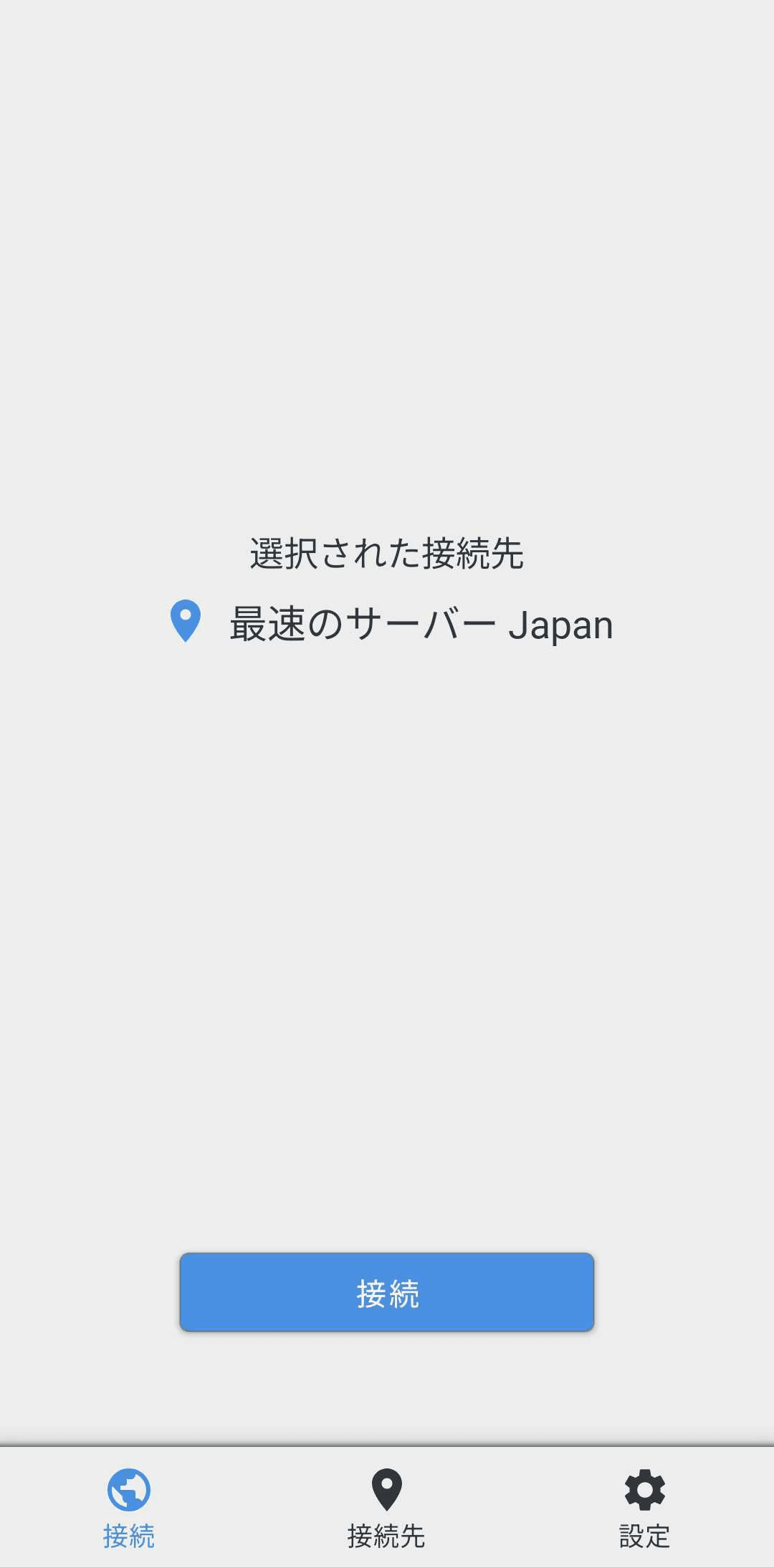 | 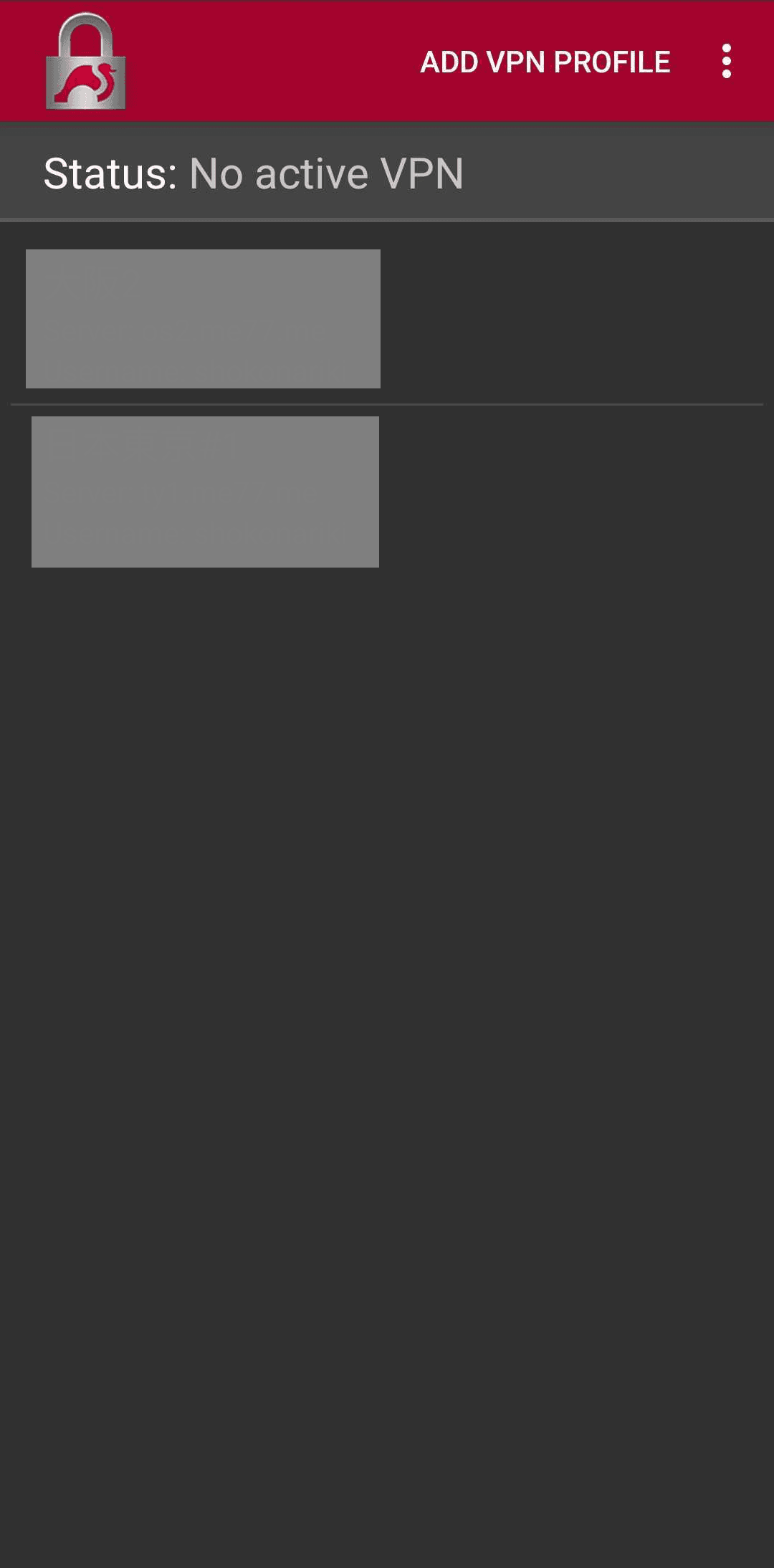 | 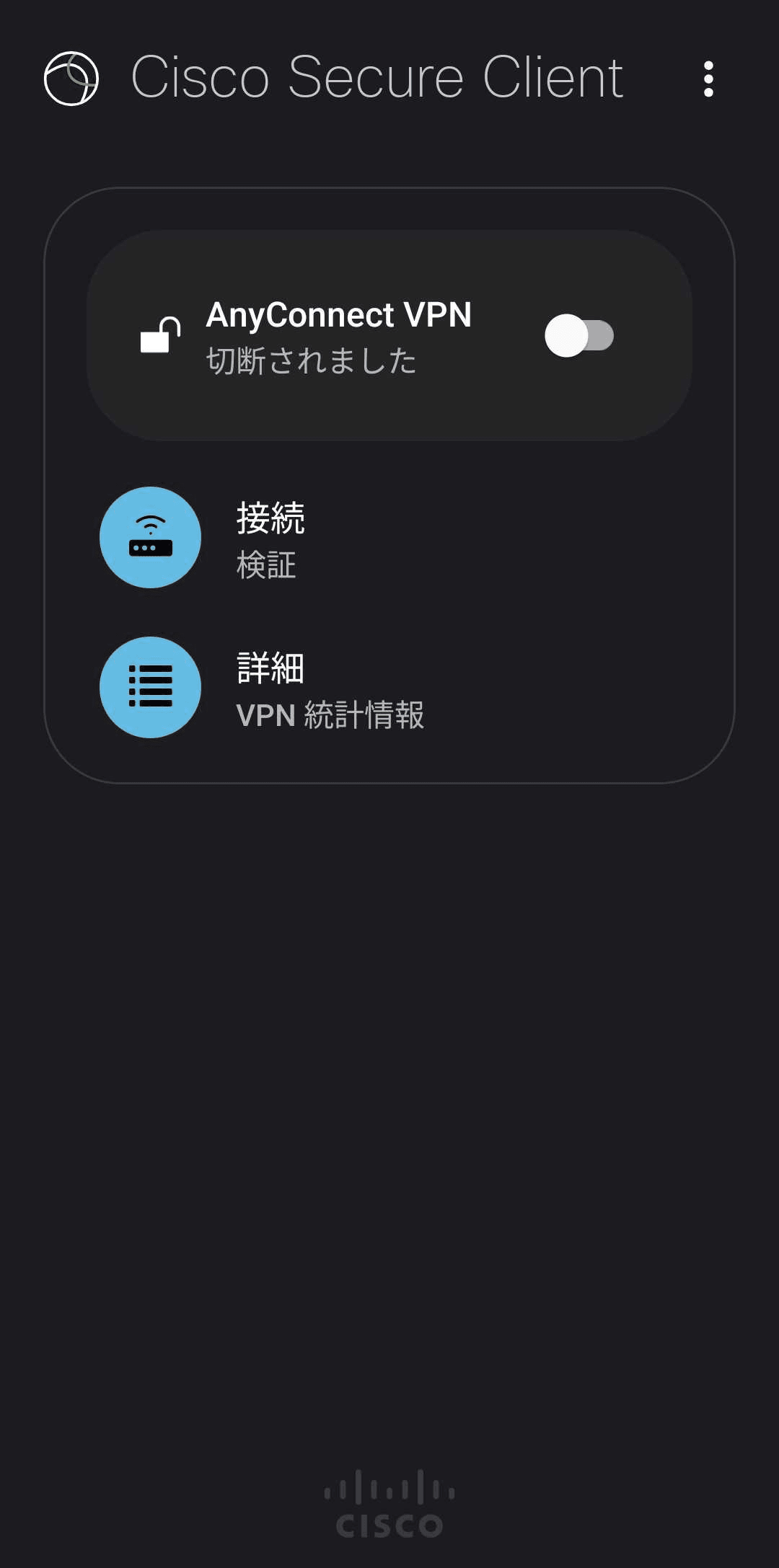 |
| If you cannot connect (Troubleshooting) | If you cannot connect to the applicationHere | If you cannot connect to MillenVPN NativeHere | If you cannot connect to OpenConnectHere |
Windows
| MillenVPN App | MillenVPN Native | OpenConnect | |
| App Icon |  | There is no dedicated application. Configure the settings in the PC > "Network and Internet" > "VPN". | 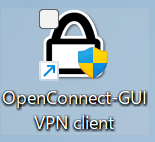 |
| home screen | 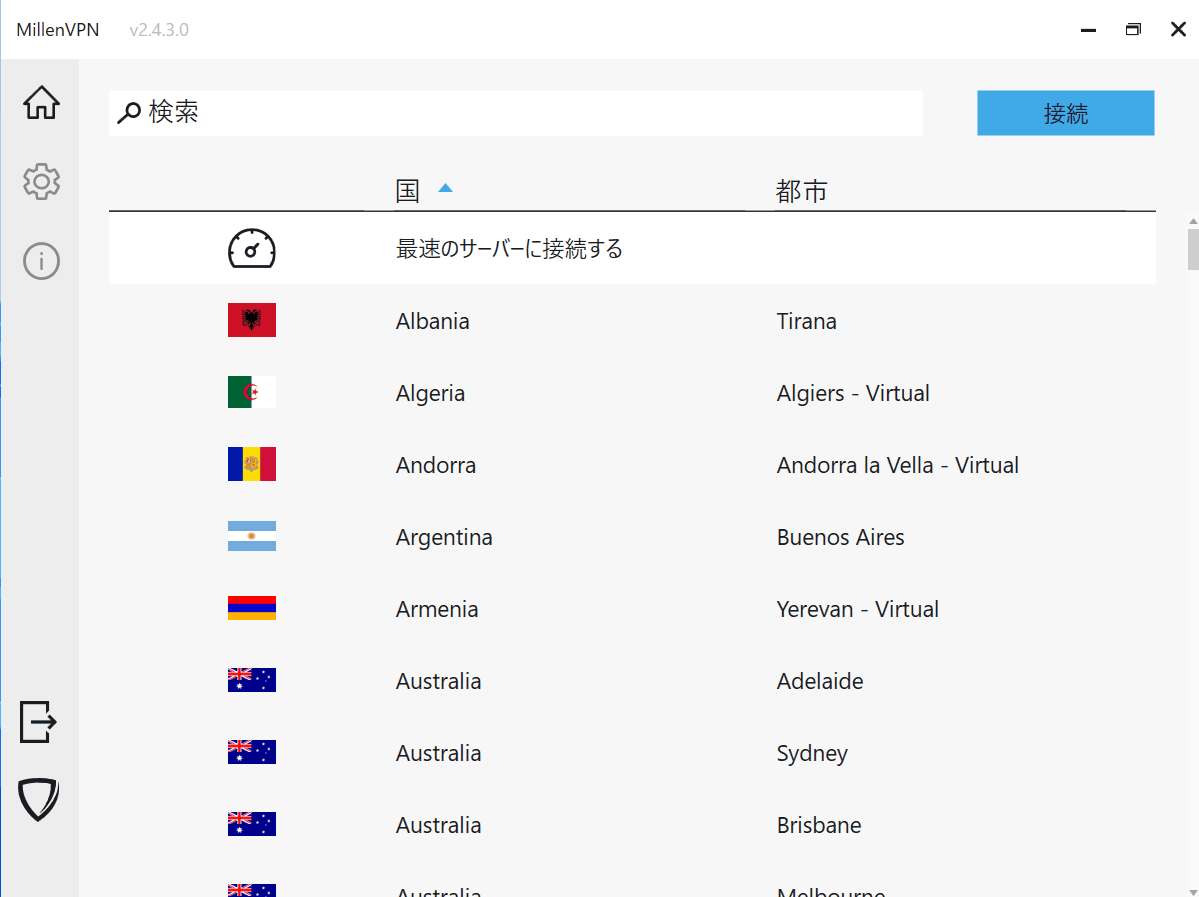 | The setting screen is as follows.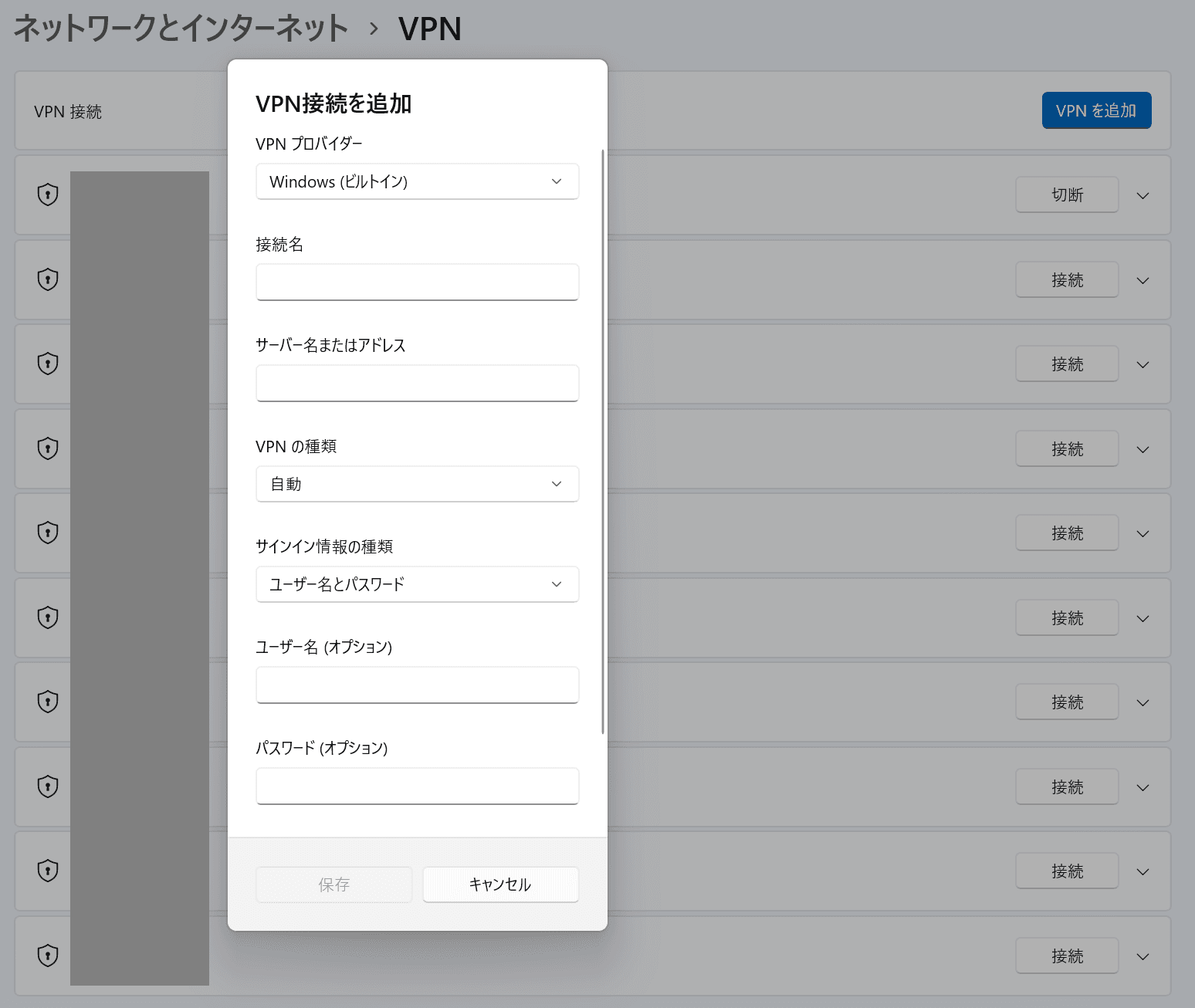 | 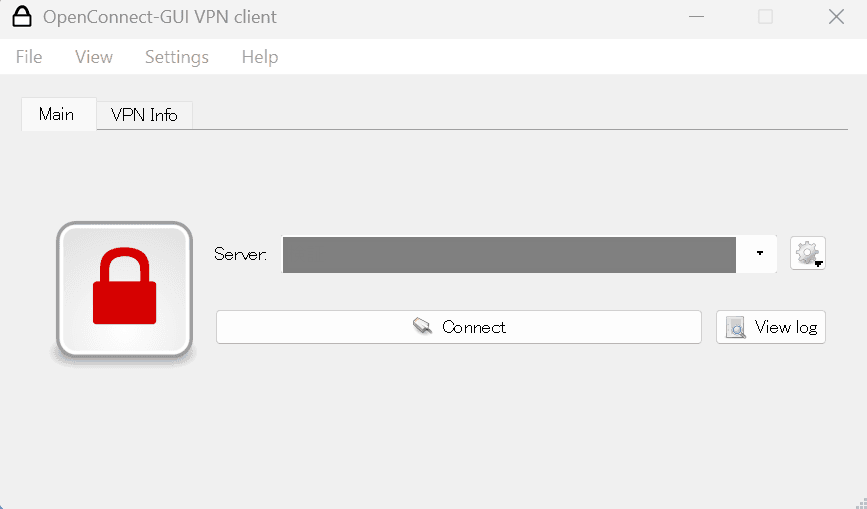 |
| If you cannot connect (Troubleshooting) | If you cannot connect to the applicationHere | If you cannot connect to MillenVPN NativeHere | If you cannot connect to OpenConnectHere |
Mac
| MillenVPN App | MillenVPN Native | OpenConnect | |
| App Icon |  | There is no dedicated application. Set up from "Apple Mark in PC" > "System Preferences" > "Network". |  |
| home screen | 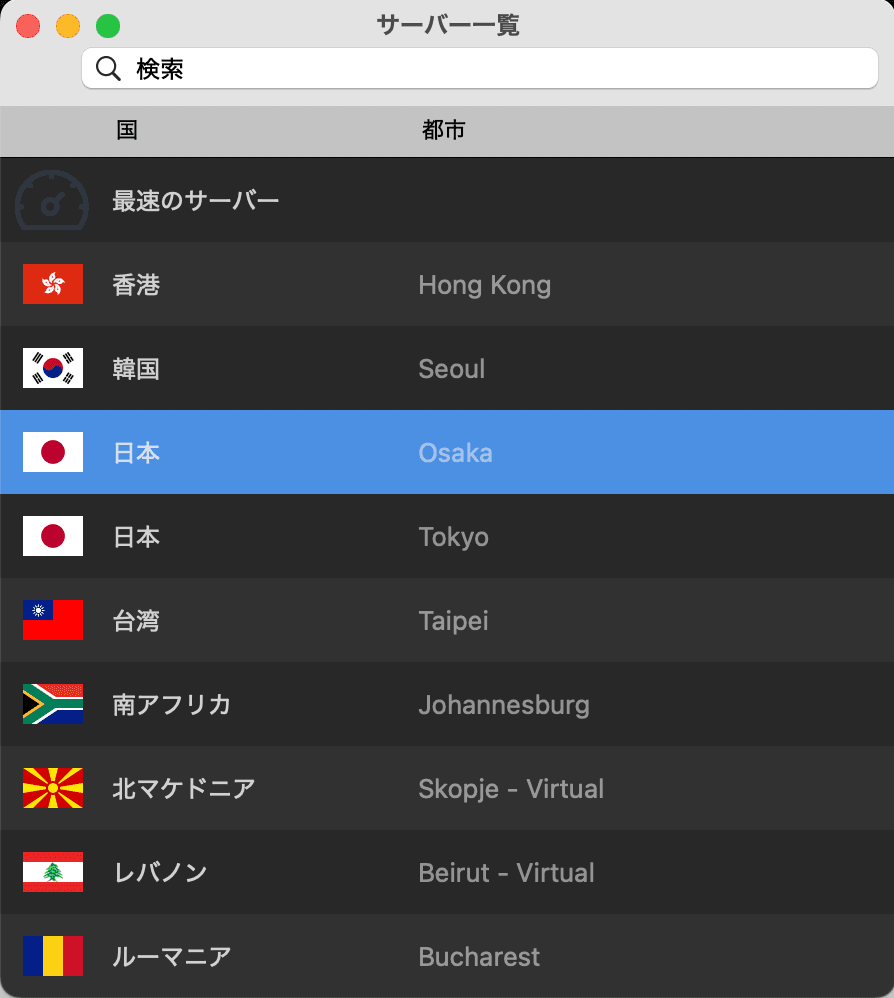 | The setting screen is as follows.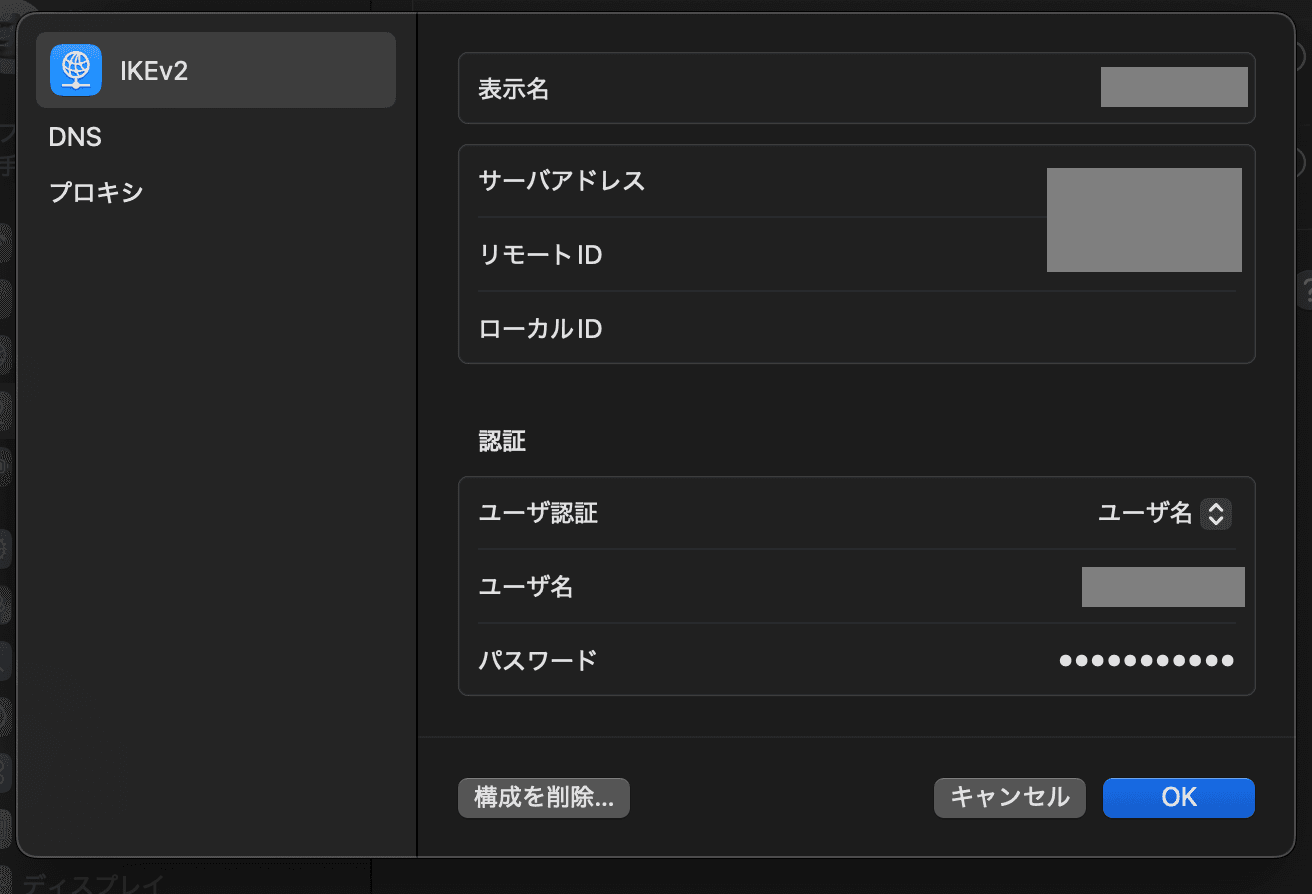 | 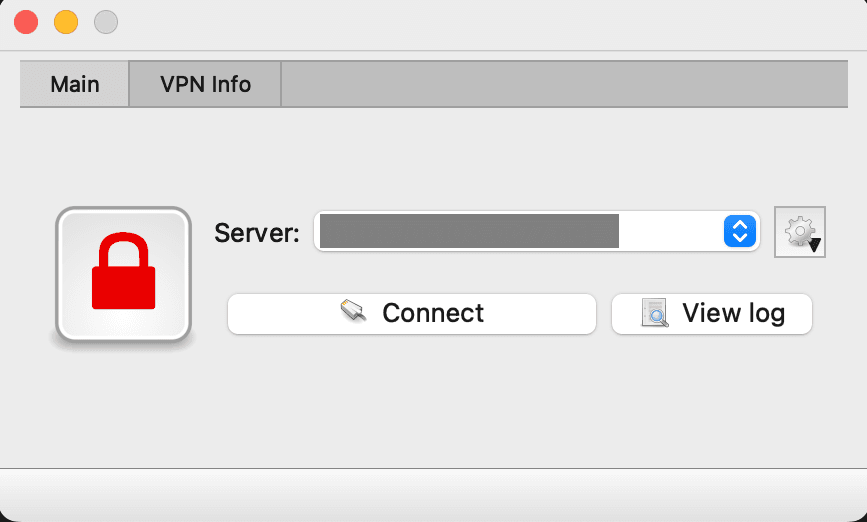 |
| If you cannot connect (Troubleshooting) | If you cannot connect to the applicationHere | If you cannot connect to MillenVPN NativeHere | If you cannot connect to OpenConnectHere |
AndroidTV and FireTV
Only "MillenVPN App" is available for AndroidTV and FireTV.
MillenVPN Native" and "MillenVPN Native OpenConnect" are not available.
If you cannot connect to the "MillenVPN App" on AndroidTV or FireTV,HerePlease check.
If the troubleshooting does not improve the situation, we will investigate the cause of the problem,
We apologize for the inconvenience, but please include the following information:Contact FormPlease feel free to contact us.
1.Environment for use
Services attempting to connect: MillenVPN Apps / MillenVPN Native / MillenVPN Native OpenConnect
OS and version of your device (e.g. iOS 15 / Windows 11):
The name of the country where the VPN will be used:
Usage of VPN:
2. Provide screen shots
Please attach a screenshot of the screen where the error is occurring.
If you are using MillenVPN Native or MillenVPN Native OpenConnect, please attach a screenshot of the configuration screen where the connection server address can be confirmed.
3. Isolate the situation
Do you want to change the server to which you are connected to improve the situation?
Do you want to change communication lines to improve (e.g., different Wi-Fi or mobile communication): (Yes/No)
Do you want to stop the security software to improve the situation: (Yes/No)
Does restarting the terminal improve the situation: (Yes/No)
Does reinstalling the application or logging in again improve the situation?