How to Use the Static IP Option in Windows
The basic steps for using the MillenVPN app are as follows:Here
For information on how to sign up for the static IP option and other details,Here
*No settings are required within the application.
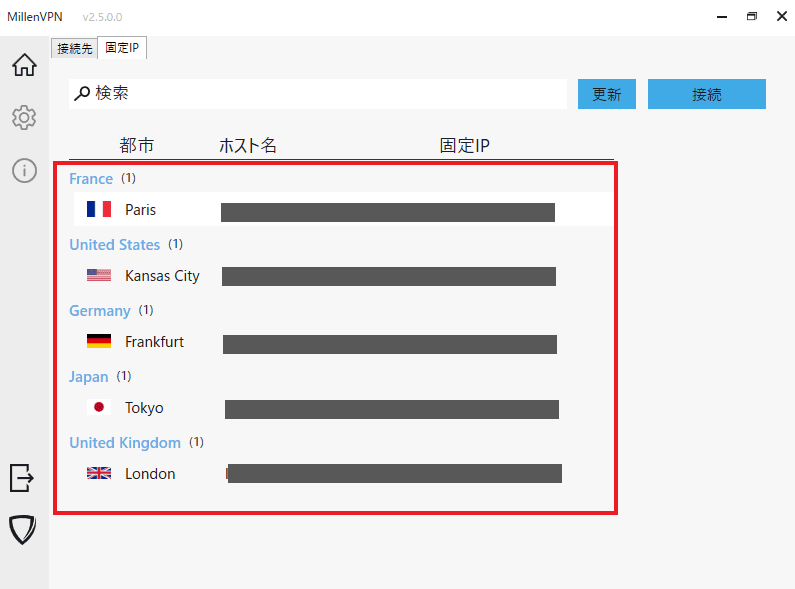
How to Use the Static IP Option
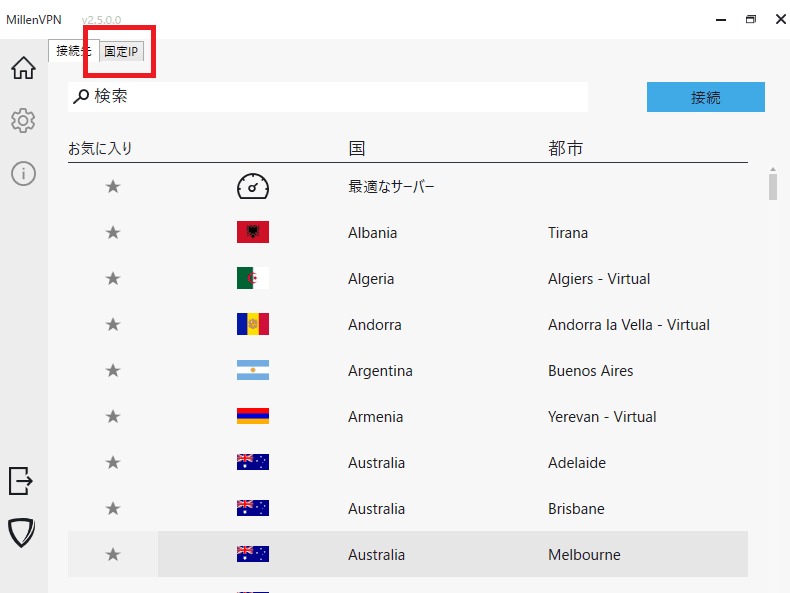
① Click the "Switch to Fixed IP Option" tab
② Click the location for which you signed up for the static IP option to establish a VPN connection.