
How to Retrieve MillenVPN Logs [iOS]
When asked by support to submit MillenVPN diagnostic log files, please follow the steps below.
*Please note that we will not be able to respond to any diagnostic log files sent without a request from Support.
※If you encounter any issues while using our service, please firstContact FormPlease contact us.
Logging Procedure
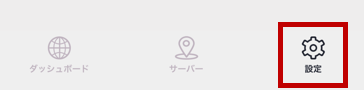
① Please log in to MillenVPN and open [Settings].
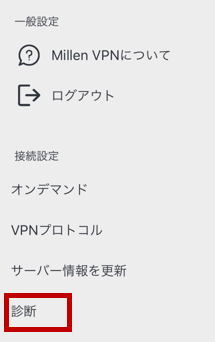
② Open [Diagnostics] in Settings.
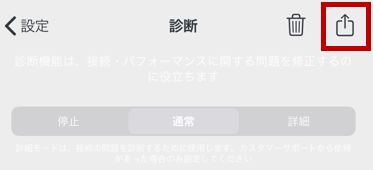
③ Tap the [Share] icon in the upper-right corner of the diagnosis.
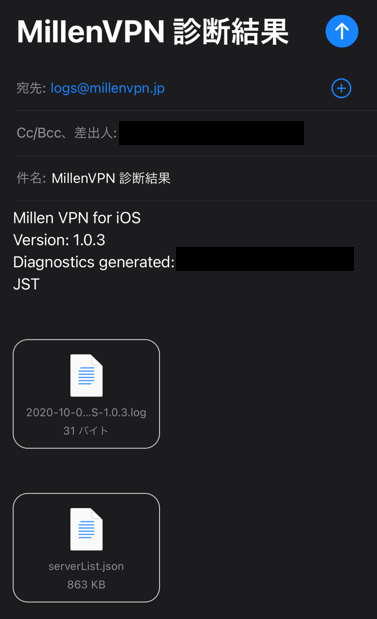
④ An email with two log files automatically attached will be created.
Our company's inquiry contact email address [[email protected]Please send it to [email address].
After submitting the form, you will receive an auto-reply email with the subject "[MillenVPN] Diagnostic Results".
※To send MillenVPN diagnostic results, you must have "Mail" settings configured on your iOS device.
If you are unable to send diagnostic results, please configure your email settings by going to Settings → Mail → Accounts → Add Account.