
Installing iOS Apps
Here's how to install the MillenVPN iOS app.
1. MillenVPN'sOfficial WebsiteOpen the app and tap the three horizontal lines in the upper-left corner.

2. Tap [Download App].

3. Scroll down the screen and tap [Download for iOS].
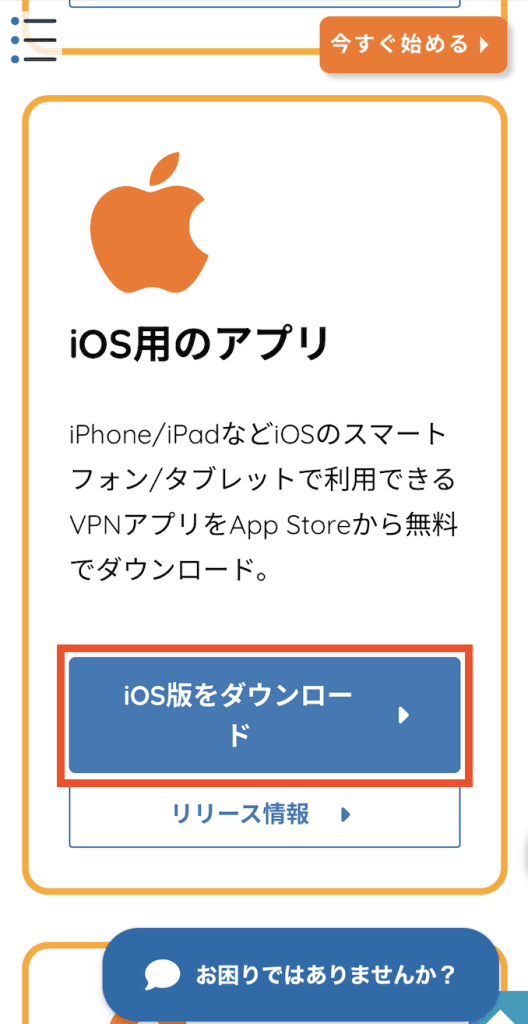
4. Go to the App Store and tap the area marked in red.
※During initial installation, the area inside the red frame will display [Obtain].
5. MillenVPN app installation complete.
The installation of the MillenVPN iOS app is now complete with the above steps.
Initial setup is required upon first use.
How to Use the MillenVPN iOS AppWe would be grateful if you could take a look at both.