
How to Change Your My Page Login Information
How to Change Your My Page Login Email Address
STEP 1: Log in to My Page
My PageOpen it and log in.
STEP 2: Open your login information
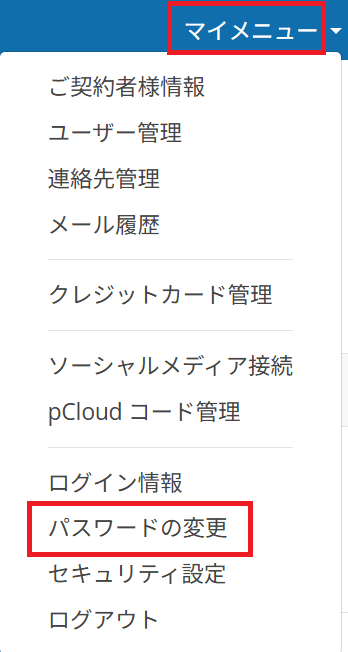
Located in the upper right corner of the screenMy MenuClick,Login InformationClick.

STEP 3: Edit Login Email Address
I will change my email address.

STEP 4: Save Changes
Click the button labeled "Save Changes" to save your settings.
How to Change Your My Page Login Password
STEP 1: Open My Page
My PageOpen it and log in.
STEP 2: Open "Change Password"
Open "Change Password" from My Menu in the upper-right corner of the screen.
STEP 3: Change Your Password
Enter your current password and the new password you want to use to complete the setup.