
Installing MillenVPN for Fire TV
Here's how to install MillenVPN for Fire TV.
From the Amazon Appstore, "MillenVPN for Fire TVSearch for "Google Play Store" and install it.
If you are installing from the browser on your Fire TV, please try the following steps.
- MillenVPN'sOfficial WebsiteOpen.
If you're accessing this page from a smartphone browser, tap the three horizontal lines in the upper-left corner.
If you're accessing this from a PC browser, tap "Download App" at the top of the screen.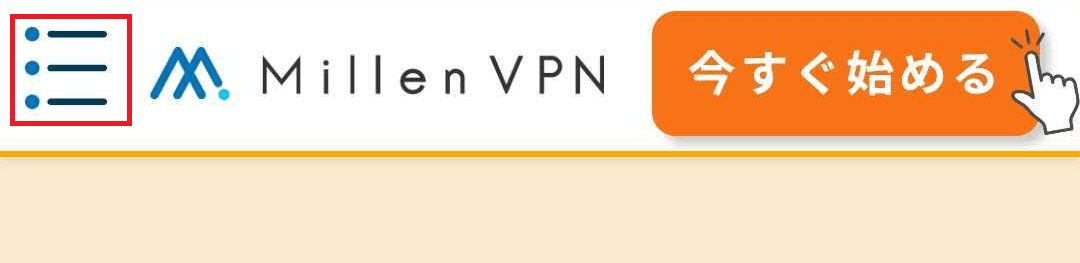
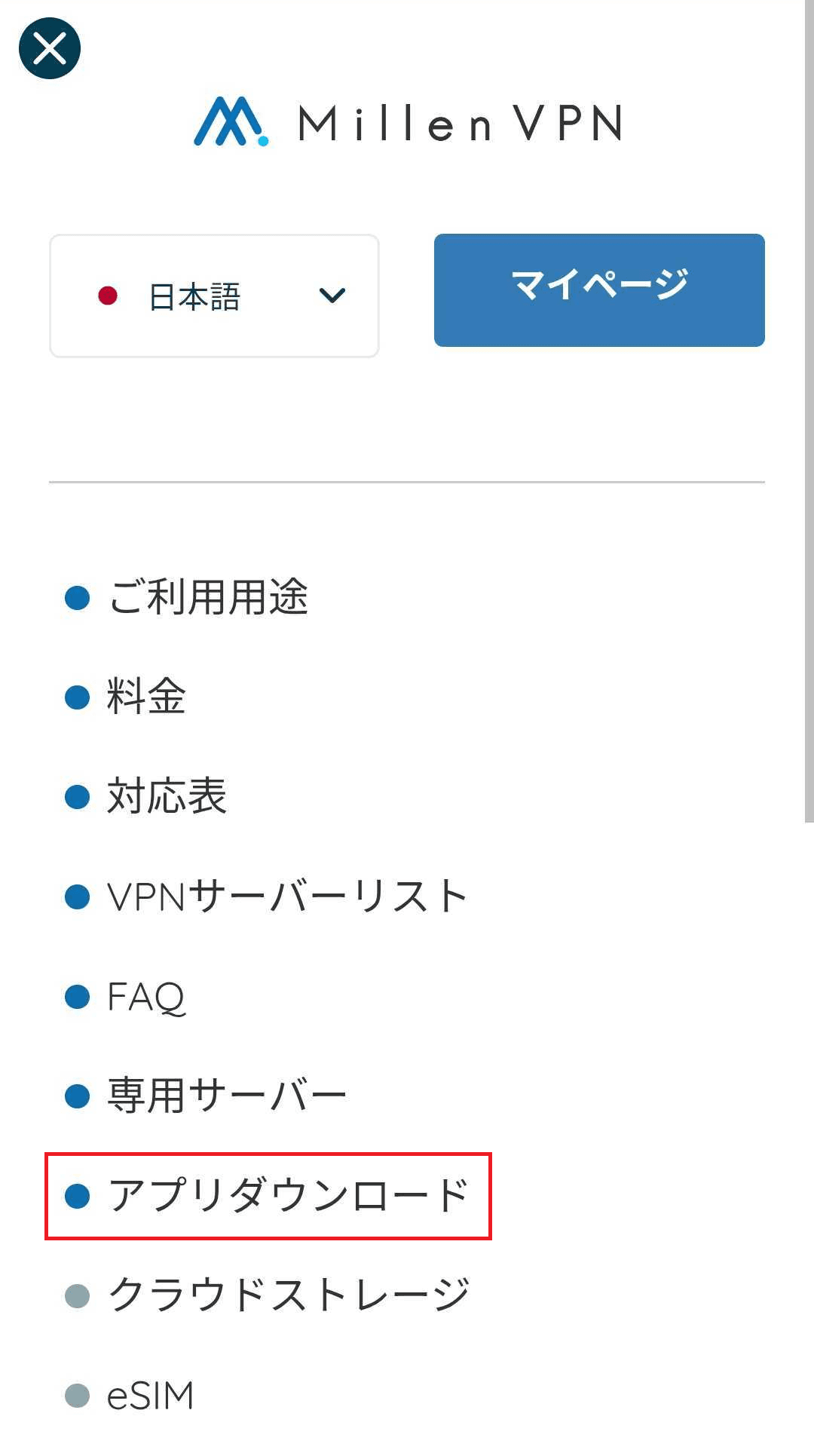
- Open the menu screen and tap [Download Apps].
- Scroll the screen.MillenVPN for Fire TVTap [Download].

- The Amazon app page will open, so "MillenVPN for Fire TVPlease install it.

- MillenVPN app installation complete.

As stated aboveMillenVPN for Fire TVThe installation is now complete, but
Initial setup is required upon first use.
How to Use MillenVPN for Fire TVPlease see the combined version.