
How to Use the MillenVPN Android TV App
Here's how to use the MillenVPN app.
※ To install the app, go to the Google Play Store and search for [MillenVPNYou can search for and install [].
- Please log in to the app.

- As stated in the [Welcome to MillenVPN] email sent upon contract activation
・Username
・Password
Enter the above two items and tap Login.
※Login information for the appMy Pageis stated in.
- Tap the [Connect] button when it appears.
By default, you will be connected to the "fastest server".
To change the destination, please change it from the "Destination" tab.
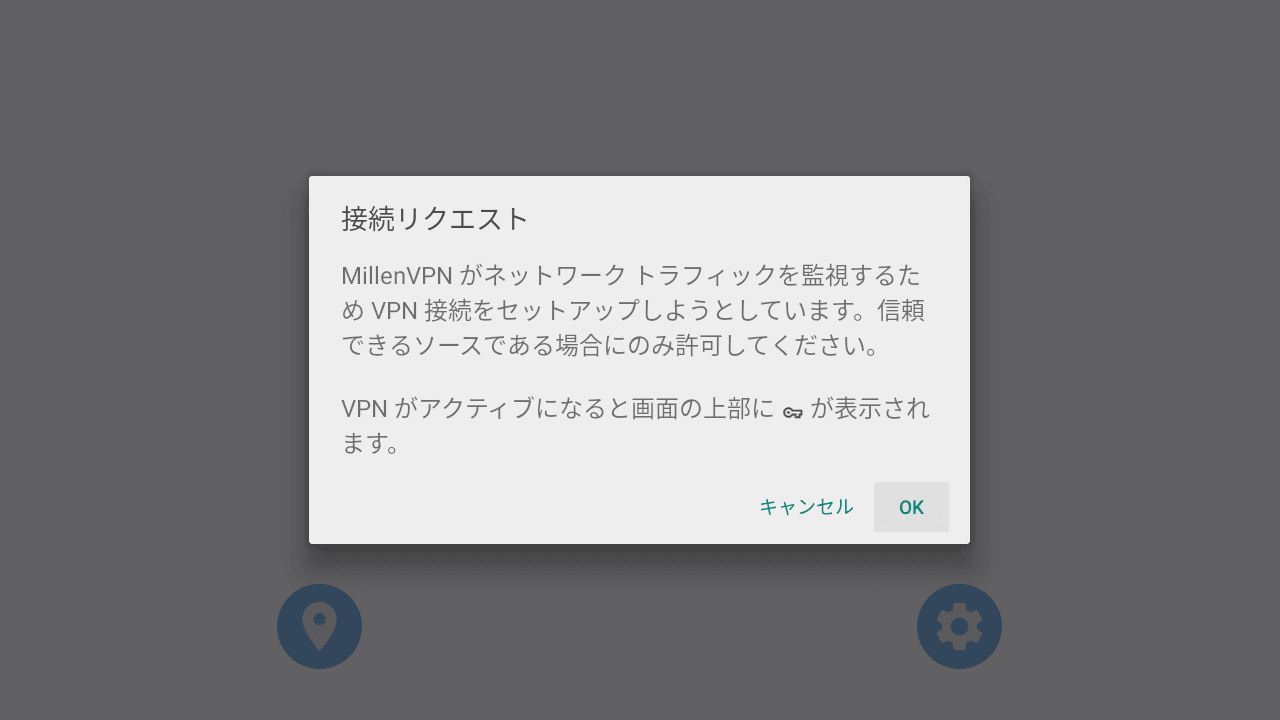
- Please approve the connection request.
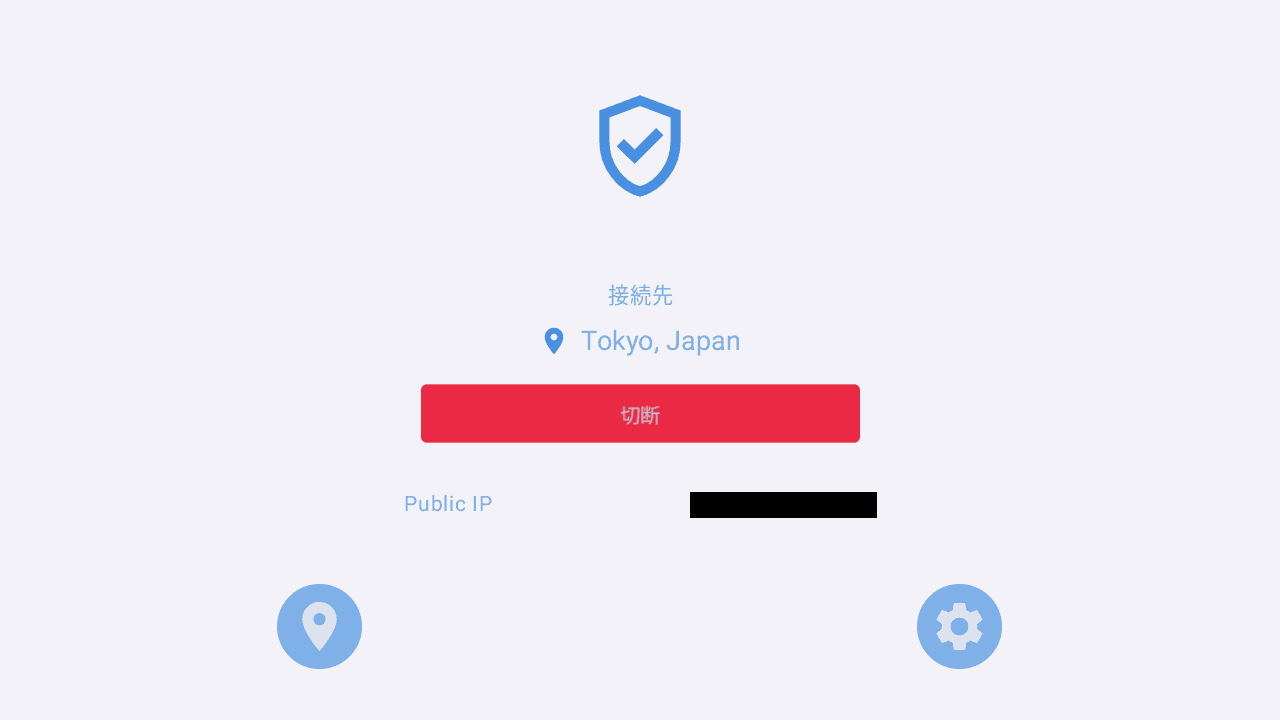
- Once the connection is complete, the connected server name and global IP address will be displayed.
With the above steps completed, you are now able to use MillenVPN.